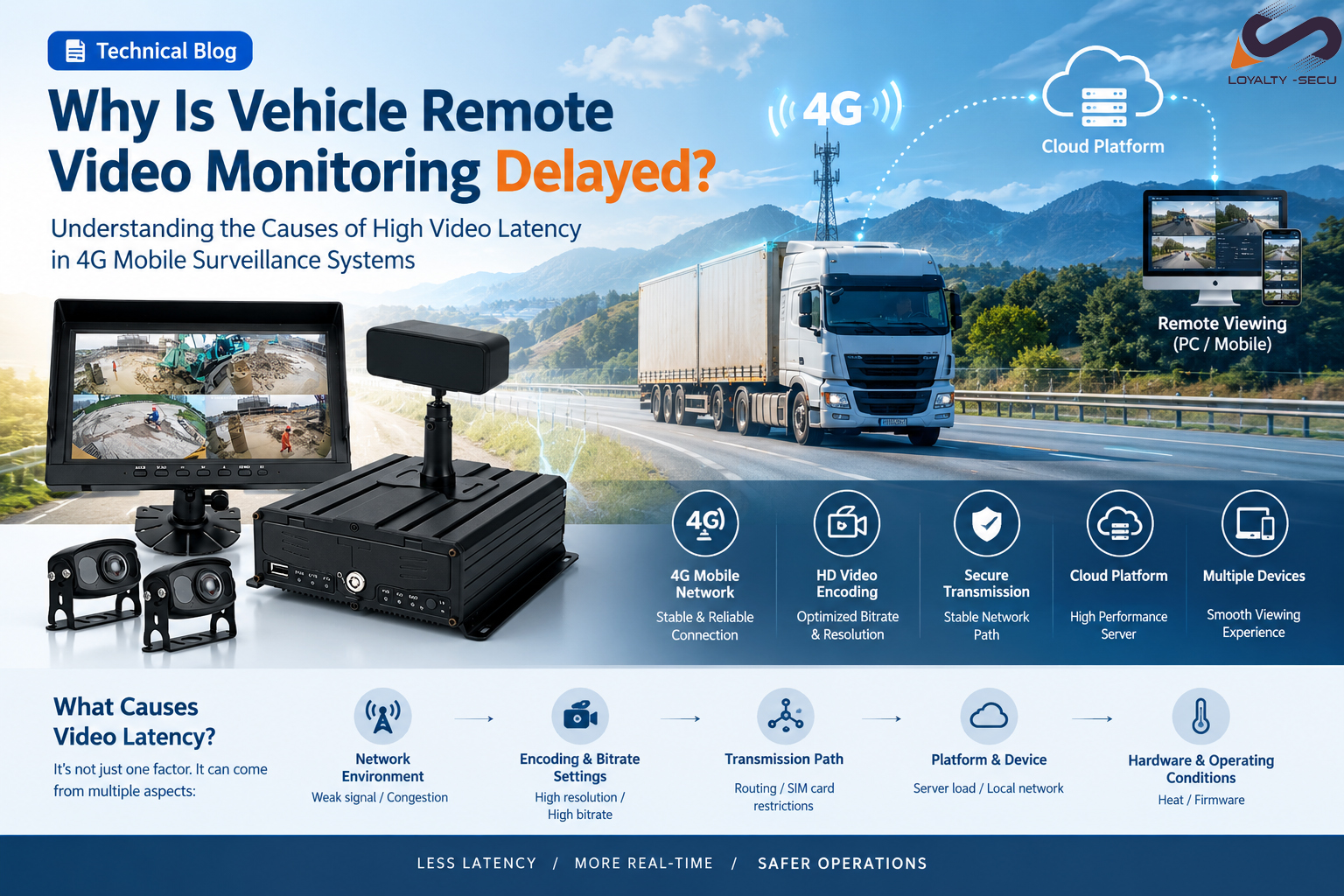
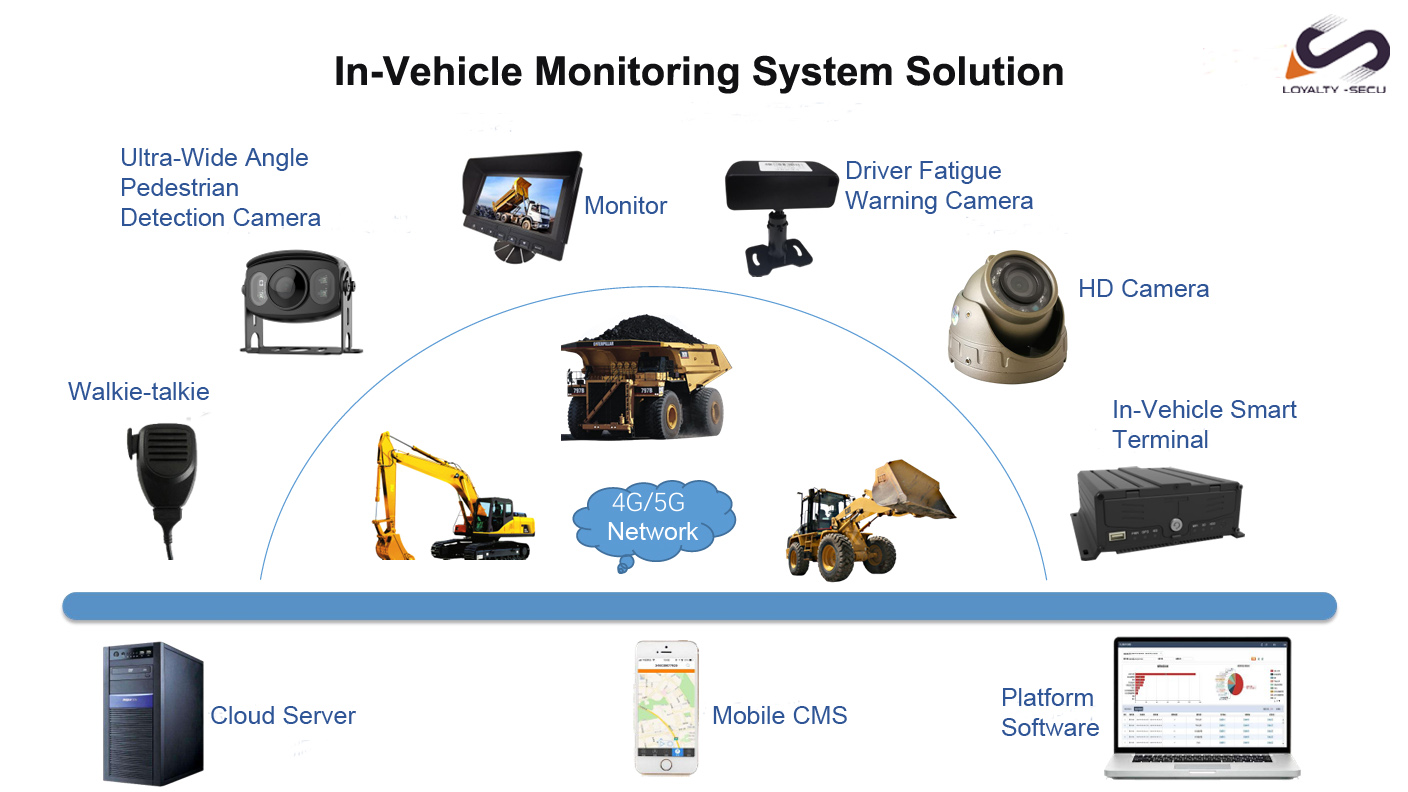
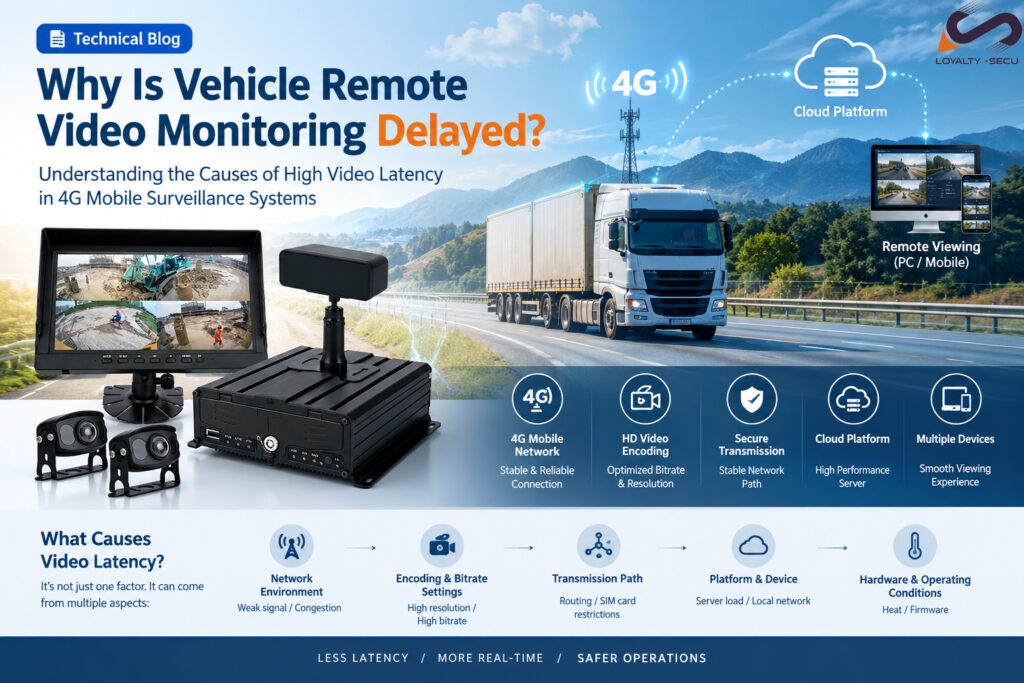
Common Causes of High Video Latency in 4G Mobile Surveillance Systems
When using remote video monitoring on vehicles, users may sometimes notice a delay between the live scene and the video displayed on the monitoring platform.
For fleet management, construction machinery, special vehicles and remote dispatching, excessive latency can affect real-time monitoring and decision-making.
Video delay is usually caused by a combination of factors, including the mobile network, video settings, transmission path, monitoring platform and vehicle-mounted hardware.
1. Unstable or Congested 4G Network
Cellular networking is one of the most important factors affecting video latency.
Vehicle-mounted cameras constantly move between different network environments. Weak signal areas, tunnels, underground parking, remote locations and frequent cell switching can cause unstable transmission.
Network congestion can also reduce available bandwidth, resulting in video buffering or increased delay.
How to improve:
- Install the cellular antenna in a suitable position.
- Avoid unnecessary metal obstruction around the antenna.
- Check signal quality and upload speed in the actual operating area.
- Test the system under different network conditions.
2. Video Resolution, Bitrate and Encoding
Higher resolution and bitrate require more bandwidth.
If the video bitrate is too high for the available 4G bandwidth, data may accumulate during transmission, causing increasing latency or video freezing.
For real-time monitoring, the highest image quality is not always the best configuration. A proper balance between resolution, bitrate, frame rate and latency is more important.
How to improve:
- Select an appropriate resolution.
- Adjust bitrate according to available bandwidth.
- Use a suitable frame rate.
- Optimize main-stream and sub-stream settings when necessary.
3. SIM Card and Transmission Path
A strong cellular signal does not always mean fast data transmission.
SIM cards or mobile plans may have data limits, speed restrictions or traffic management policies. Network routing between the vehicle terminal and monitoring server can also affect latency.
How to check:
- Check SIM card data usage and service conditions.
- Test upload speed and network latency.
- Compare different mobile operators when necessary.
- Check the complete transmission path to the monitoring platform.
4. Monitoring Platform or Viewing Device
The problem may not always come from the vehicle.
If the monitoring platform is handling many video streams, server processing and forwarding may increase latency.
The viewing device can also affect the user experience. An older computer, mobile device or browser may have difficulty decoding high-resolution video.
A simple test is to view the same stream on different devices and networks. If the latency varies significantly, the issue may be related to the platform or viewing environment.
5. Vehicle-Mounted Hardware
Vehicle-mounted equipment may operate continuously in environments with high temperatures, vibration and dust.
Poor heat dissipation or overloaded hardware can affect video processing and transmission performance. Firmware can also influence encoding and network stability.
How to improve:
- Ensure proper heat dissipation.
- Avoid excessive heat exposure.
- Keep device firmware updated.
- Check system and CPU resource usage.
- Test the equipment under actual operating conditions.
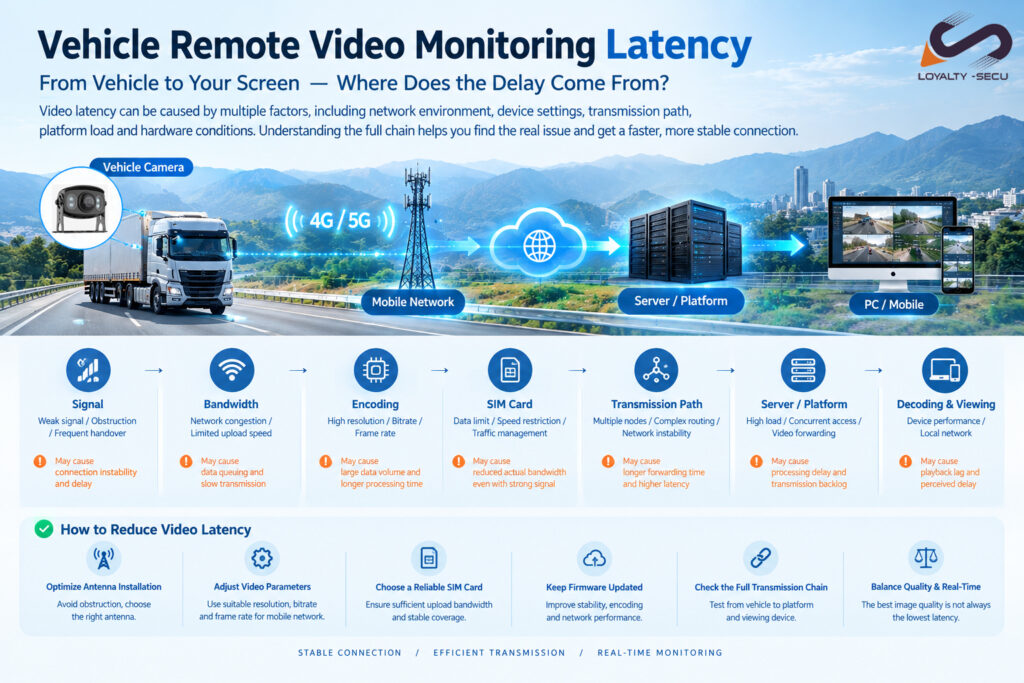
How to Troubleshoot High Video Latency
Instead of immediately replacing the camera, check the entire transmission chain:
Mobile Signal → Network Speed → SIM Card → Video Settings → Vehicle Terminal → Transmission Path → Platform → Viewing Device
This helps identify where the delay is actually introduced.
| Symptom | Possible Cause |
| Delay occurs in tunnels or remote areas | Weak cellular signal |
| Delay increases during busy periods | Network congestion |
| Delay gradually increases | Insufficient bandwidth or high bitrate |
| Signal is strong but video is slow | SIM restriction or network routing |
| Only one computer has high latency | Local network or decoding issue |
| All users experience high latency | Platform or transmission issue |
| Problem appears after long operation | Heat or hardware performance |
How to Reduce Video Latency
For more responsive vehicle video monitoring:
1. Optimize antenna installation
Use a suitable antenna and avoid unnecessary obstruction.
2. Match video settings to network conditions
Balance resolution, bitrate and frame rate according to the available bandwidth.
3. Use a suitable SIM card and network
Choose a reliable cellular service with sufficient upload bandwidth.
4. Keep the vehicle terminal updated
Stable firmware can improve encoding, communication and system performance.
5. Check the complete transmission chain
Evaluate the camera, network, server, platform and viewing device together.
Conclusion
High video latency in vehicle remote monitoring is usually not caused by a single factor.
The 4G/5G network, video settings, SIM card, transmission path, monitoring platform and vehicle hardware can all affect the final viewing experience.
By checking the complete transmission chain and optimizing the system for the actual operating environment, video latency can often be significantly reduced.
For fleet management, construction machinery, special vehicles and remote dispatching, a well-designed video transmission system provides more responsive monitoring and better operational visibility.
Looking for a Smart Vehicle Safety Solution?
Learn more about our solutions: Smart Vehicle Safety Solutions
Presented by Shenzhen LOYALTY-SECU Technology Co., Ltd.